Cullis Connector
A desktop application that admits any MCP client — Claude Desktop, Cursor, Cline — into the Cullis network. Runs on the end user's laptop.
- Runs on
- macOS · Windows · Linux
- Owned by
- the end user
- Does
- identity · MCP↔Cullis translation
Start air-gapped inside your organization. Scale to cross-company federation — without redeploy. Per-agent cryptographic identity, tamper-evident hash-chain audit, end-to-end encrypted messaging.
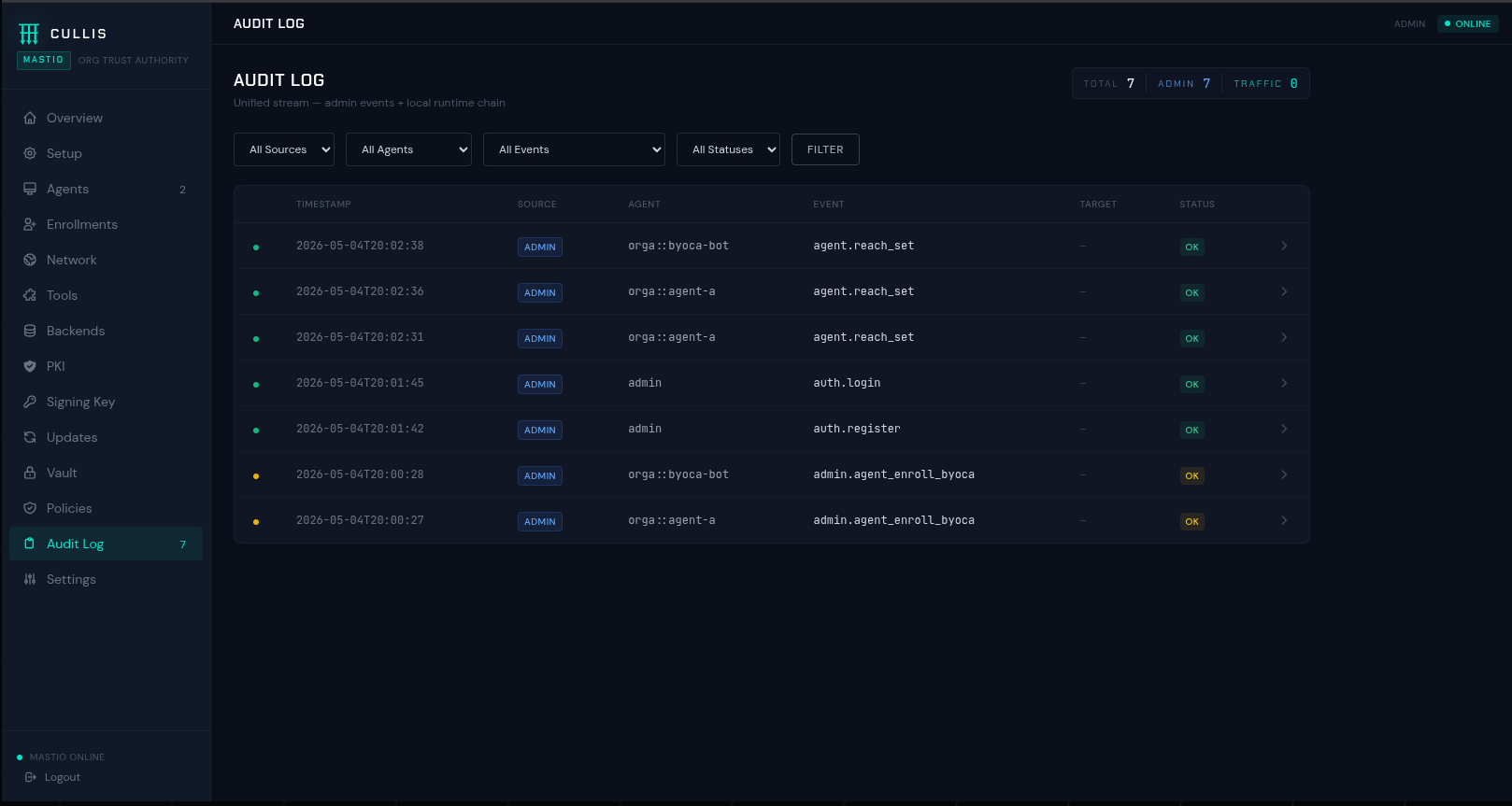
Artificial agents act on your behalf. They read, decide, move money, speak to systems owned by other companies. When something goes wrong — and it will — three questions matter. Who was it? Not the user who typed a prompt last week, the specific agent process, with a cryptographic proof. What were they allowed to do? Not by policy written in a PDF, by policy enforced at the boundary before the call landed. What did they actually do? Not what logs you can still find, an append-only chain that cannot be silently rewritten.
Cullis answers those three questions with three components that run entirely on your infrastructure: a connector at the edge, an authority inside your organization, and — when you need to reach agents in other companies — a court that routes between trust domains without reading the mail.
Three independent, deployable components. A single company runs two; a consortium adds the third.
A desktop application that admits any MCP client — Claude Desktop, Cursor, Cline — into the Cullis network. Runs on the end user's laptop.
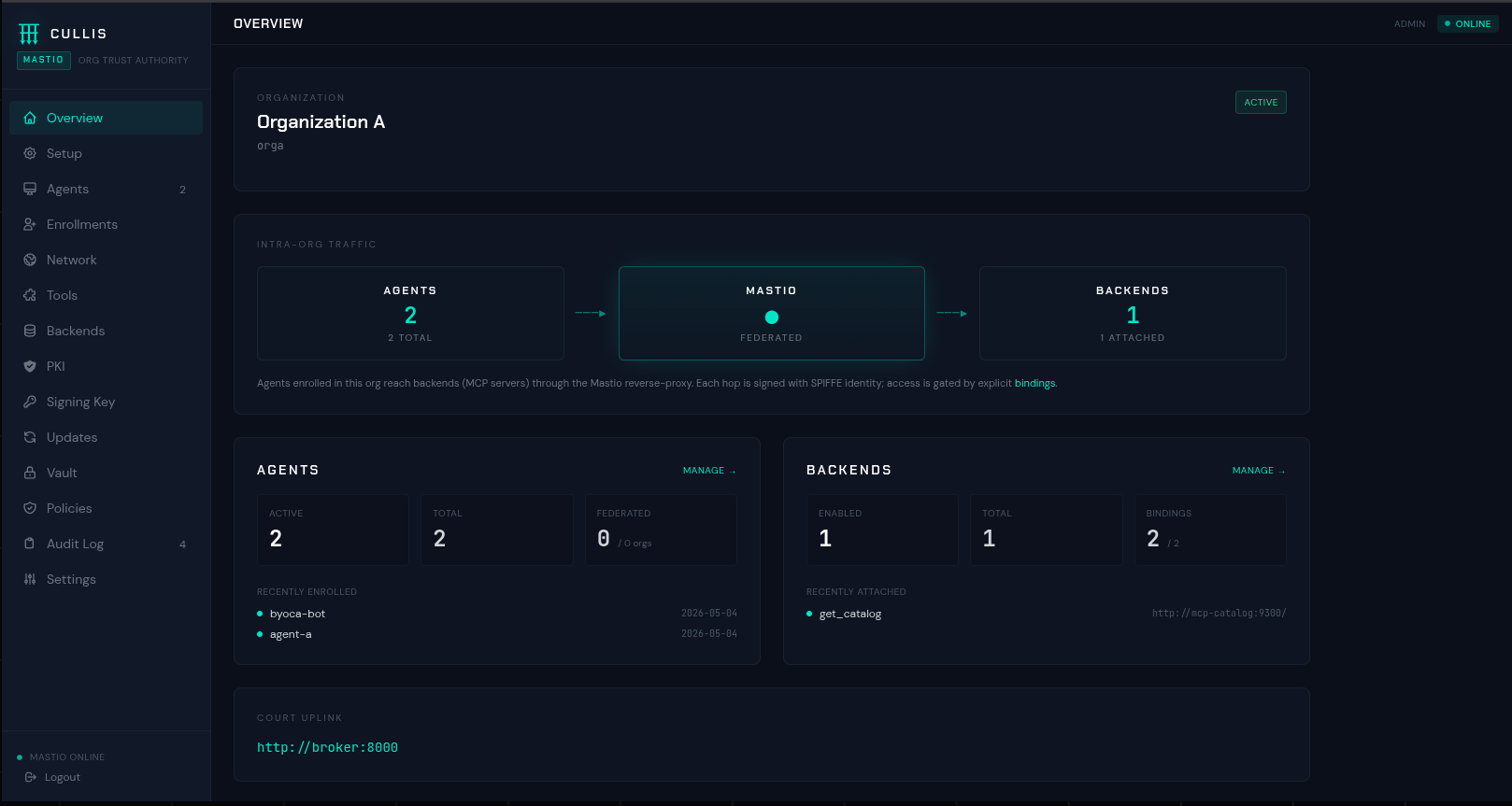
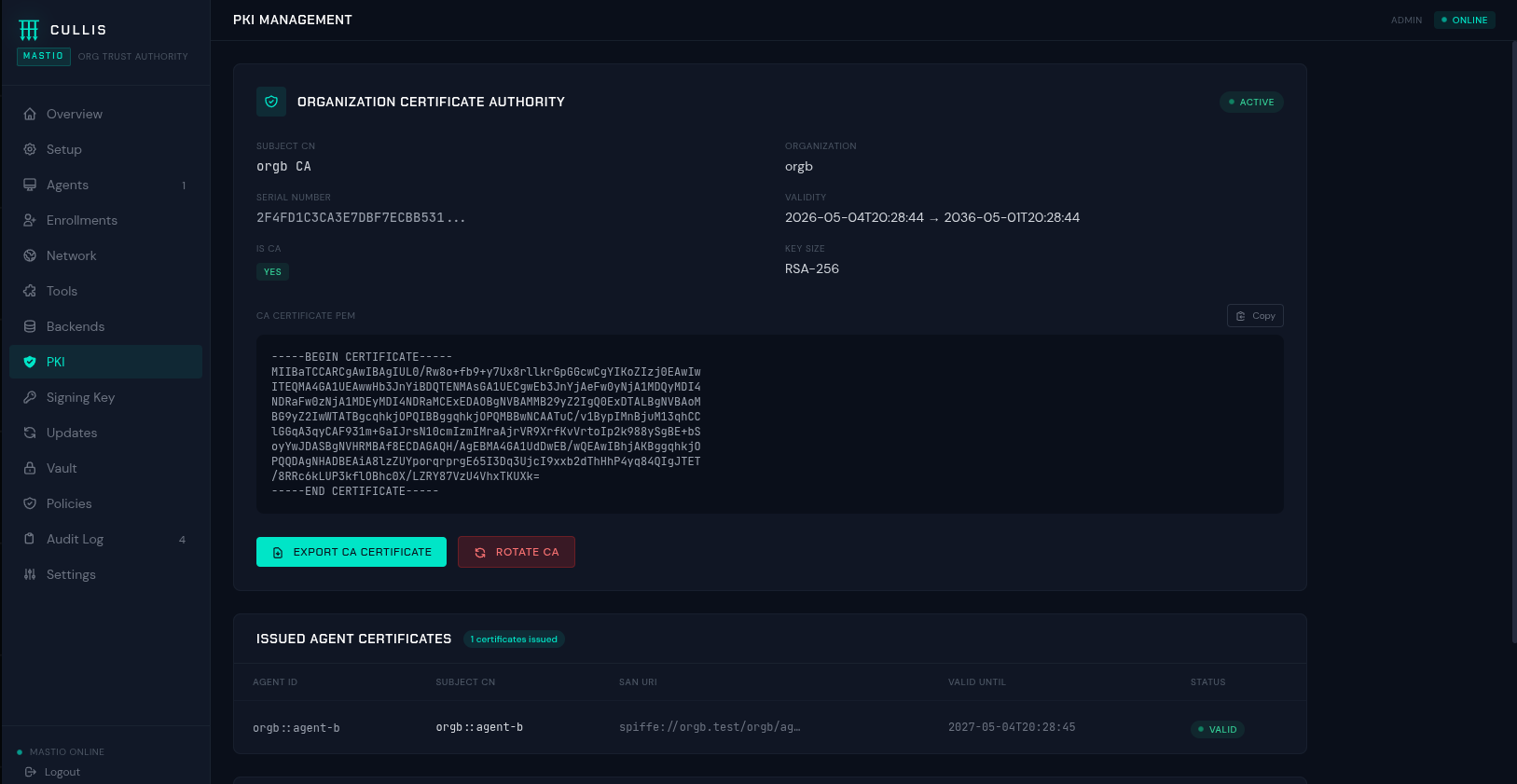
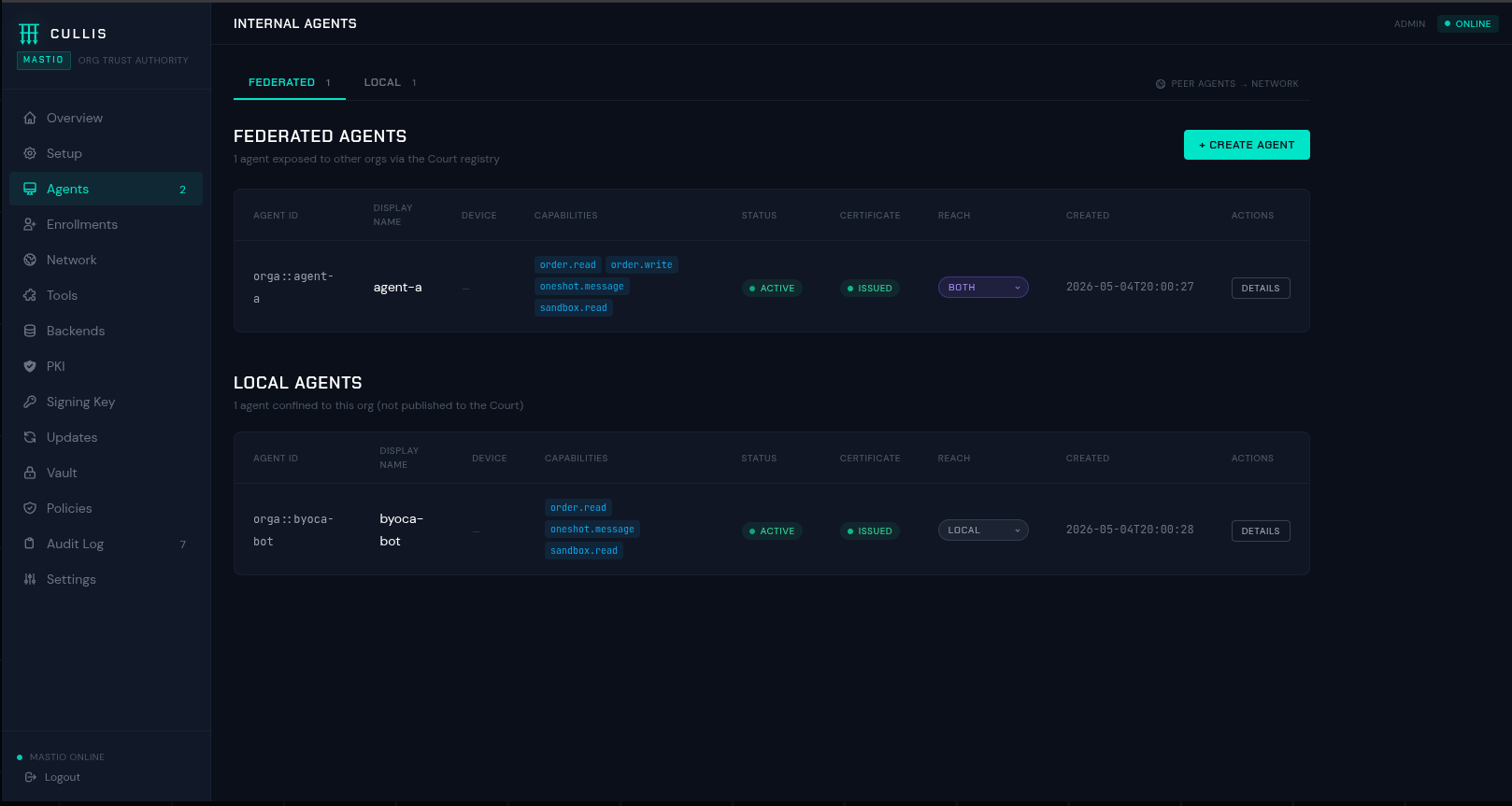
The authority that governs agents inside a single organization. Issues certificates, enforces policy, keeps a local hash-chain audit that never leaves the perimeter.
Federates Mastios across different organizations. Routes sealed envelopes between companies — sees who and when, never sees what was said.
Boot the full enterprise stack — Court, two Mastios, three agents, two MCP servers across two organizations, wired with SPIRE, Keycloak, Vault and Postgres.
git clone https://github.com/cullis-security/cullis
cd cullis
./enterprise_sandbox/demo.sh full Then replay intra-org MCP tool calls and cross-org A2A messages:
./enterprise_sandbox/demo.sh mcp-catalog # intra-org: agent → MCP tool call (Org A)
./enterprise_sandbox/demo.sh mcp-inventory # intra-org: agent → MCP tool call (Org B)
./enterprise_sandbox/demo.sh oneshot-a-to-b # cross-org: encrypted A2A message A → B
./enterprise_sandbox/demo.sh oneshot-b-to-a # cross-org: encrypted A2A message B → A For single-user install — download the Cullis Connector from Releases and double-click. It will register with a Mastio you point it at and configure your MCP client automatically.
The rest lives on its own pages. Read about the two routing modes, the deployment shapes, and each component at length.